
Computing facilities

- College and sixth form
- College
- Campuses and facilities
- Facilities
- Computing facilities
Technology for all your study needs
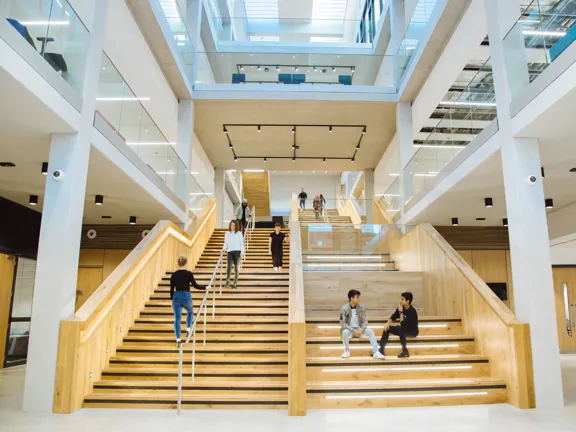
University College Birmingham is continuing to boost IT provision as part of our investment into our campuses and facilities. We have new computers and quiet study and self-study laptop areas across our buildings.
Contact us
-
For all IT queries, you can raise a ticket at Helpdesk
-
Alternatively, call 0121 604 1000 ext. 2666 to contact the IT Helpdesk
To support your learning, all our computers have access to:
- Microsoft Office Suite
- Office 365 Student Email
- OneDrive (Online Personal Storage)
- FollowMe printing facilities
Please note: students can print or photocopy 500 sheets free of charge. Any additional sheets beyond this will be charged at 1p per side of mono A4.
Baskerville House Library
Monday to Friday – 8am - midnight
Saturday – 9am - 5pm
Sunday – 12pm - 5pm
This fantastic facility is located on the Ground Floor of Baskerville House and gives you a space to work late into the night at whichever times suit you. The library provides access to multiple computers within quiet study areas.
Summer Row Library
Monday to Friday
9am - 5pm
The Summer Row library is located on the sixth floor of Summer Row, and contains multiple PCs that all students can use for work and research.

IT Support
We have a number of IT Support Services helpdesks around our campus buildings. You can find them on the ground floors of Summer Row, Camden House and Baskerville House.
College students can contact the helpdesks for technical support on any of the following issues:
- Software or hardware faults
- Printer faults
- Data recovery
- File conversion
- Virus detection and cleaning
- University College Birmingham WiFi access
IT Services opening times (during term-time):
Monday to Thursday: 8.30am - 5.00pm
Friday: 8.30am - 4.30pm
Please note: Our ITSU staff are not available to help with student assignments or teach you how to use word processing, spreadsheets, databases or presentation software. However, you can access great support for these issues elsewhere, such as our IT workshops and the Centre for Academic Skills and English (CASE).
Using computers at University College Birmingham
It's important that you are familiar with how to access our campus computers so you can check your emails regularly and you are able to store and print documents correctly.
All our students are allocated individual space in the cloud to store documents as part of University College Birmingham's Office 365 subscription. You are also entitled to a quota of free printing. To use either of these facilities, you will need to log on and off our computers using your own username and password.
Also, remember to save your documents onto your college OneDrive. This will enable you to access them wherever you are.
How to log on to our computers
To log on to an available computer on campus:
- Type your Student ID in the login box.
- Next, enter your Password.
- Click OK.
The first time you log on to one of our computers, you will be asked to change your password.
- Type in your new password. This needs to be at least 12 characters long.
- Click on the confirm password box, then retype your new password and click OK.
- The password change confirmation box should now appear. Click OK.
You will also need to log off the computer each time you have finished in order to prevent other students from accessing your work:
- Right-click on the lower left-hand corner of the screen.
- Click on Shut down or sign out.
- Click Sign out.
How to access your student email
Every student has an email address through University College Birmingham's Office 365 subscription. To access your emails:
- Click on the Office 365 icon.
- Enter your student ID in the following format: studentID@student.ucb.ac.uk.
- Enter your password.
This will grant you access to Office 365, where you can use Mail, Calendar, OneDrive (storage) and other Office applications.
You can also log on to Office 365 away from campus by using the Office 365 Portal:
Please note: Once you finish as a student at University College Birmingham, your email and cloud storage privileges will be removed. If you have any work or emails you want to keep after you leave the college, you will need to save these to your personal storage or accounts.
